
iPhone Water Damage Repair
Doorstep / On-Site iPhone Water Damage Repair
At iBerry, we offer professional iPhone water damage repair services right at your doorstep in Bangalore. Our certified technicians carefully diagnose and treat moisture-affected components using advanced cleaning, drying, and restoration techniques to bring your iPhone back to life.
We’re dedicated to making Apple users’ lives easier with quick service, transparent pricing, and expert care — restoring your iPhone’s performance and reliability without you having to step out.
How to Repair Your iPhone After Water Damage
Did your iPhone accidentally get wet, fall into water, or get exposed to moisture? Water damage can cause serious internal issues — from motherboard corrosion to battery failure, speaker issues, display glitches, and complete device shutdown. Immediate expert attention is crucial to prevent permanent damage.
At Apple Authorized Service Centers, water-damaged iPhones often require costly replacements. But at iBerry, we offer affordable and reliable iPhone water damage repair services in Bangalore, performed by certified technicians using advanced diagnostic tools and original-grade components.
Our team follows a thorough, professional restoration process to safely revive your iPhone and restore its performance, stability, and longevity — just like new.
Complete Diagnostic & Moisture Inspection
We begin with a full internal assessment to check the water exposure level, identify affected parts, and detect any early corrosion inside the device.
Safe Disassembly & Component Separation
Your iPhone is opened carefully, and all key components — including the board, battery, and display — are separated to stop moisture from spreading further.
Deep Cleaning & Corrosion Treatment
Using ultrasonic cleaning and anti-corrosion solutions, we remove moisture, residue, and rust from all impacted areas to restore internal stability.
Component Repair or Genuine Replacement
Any parts damaged by water — such as speakers, ports, or IC chips — are repaired or replaced with genuine-quality components to ensure reliability.
Final Testing & Performance Validation
The device is fully reassembled and tested for power, touch, audio, charging, camera, and network performance to confirm flawless functionality.
iPhone Water Damage Repair Cost in Bangalore
iBerry offers professional iPhone water damage repair services using advanced diagnostic tools and genuine OEM components to restore your device’s performance, stability, and longevity. Whether your iPhone has suffered a minor splash or major liquid exposure, our expert technicians carefully diagnose and repair the damage to bring your device back to life.
Why iBerry is the Best iPhone Service Center Choice for You?
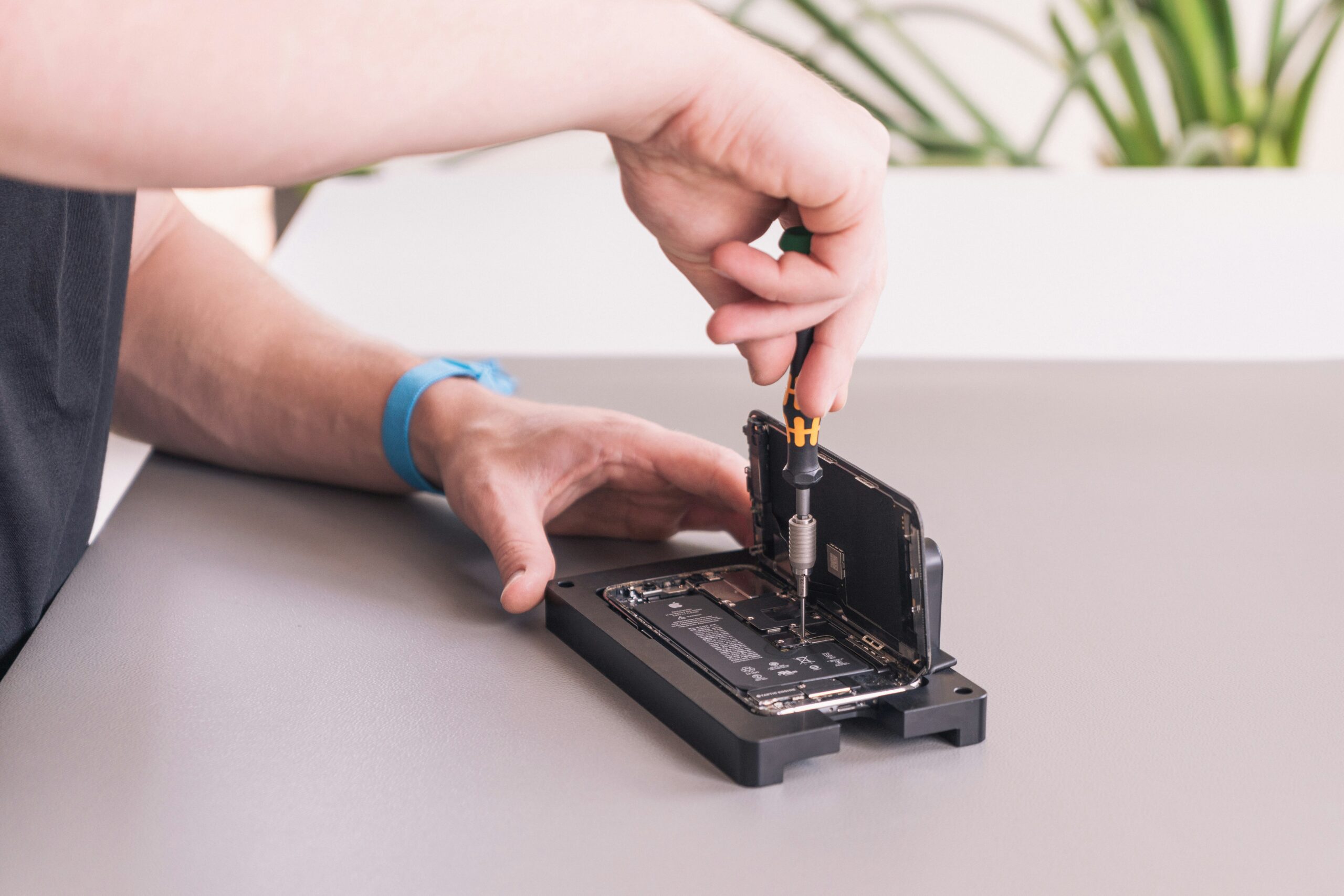
Expert Apple Technicians
Our certified Apple technicians specialize in diagnosing and repairing all iPhone models. From display replacements to battery, speaker, and motherboard-level repairs, every service is handled with precision to restore your iPhone’s performance, clarity, and reliability.
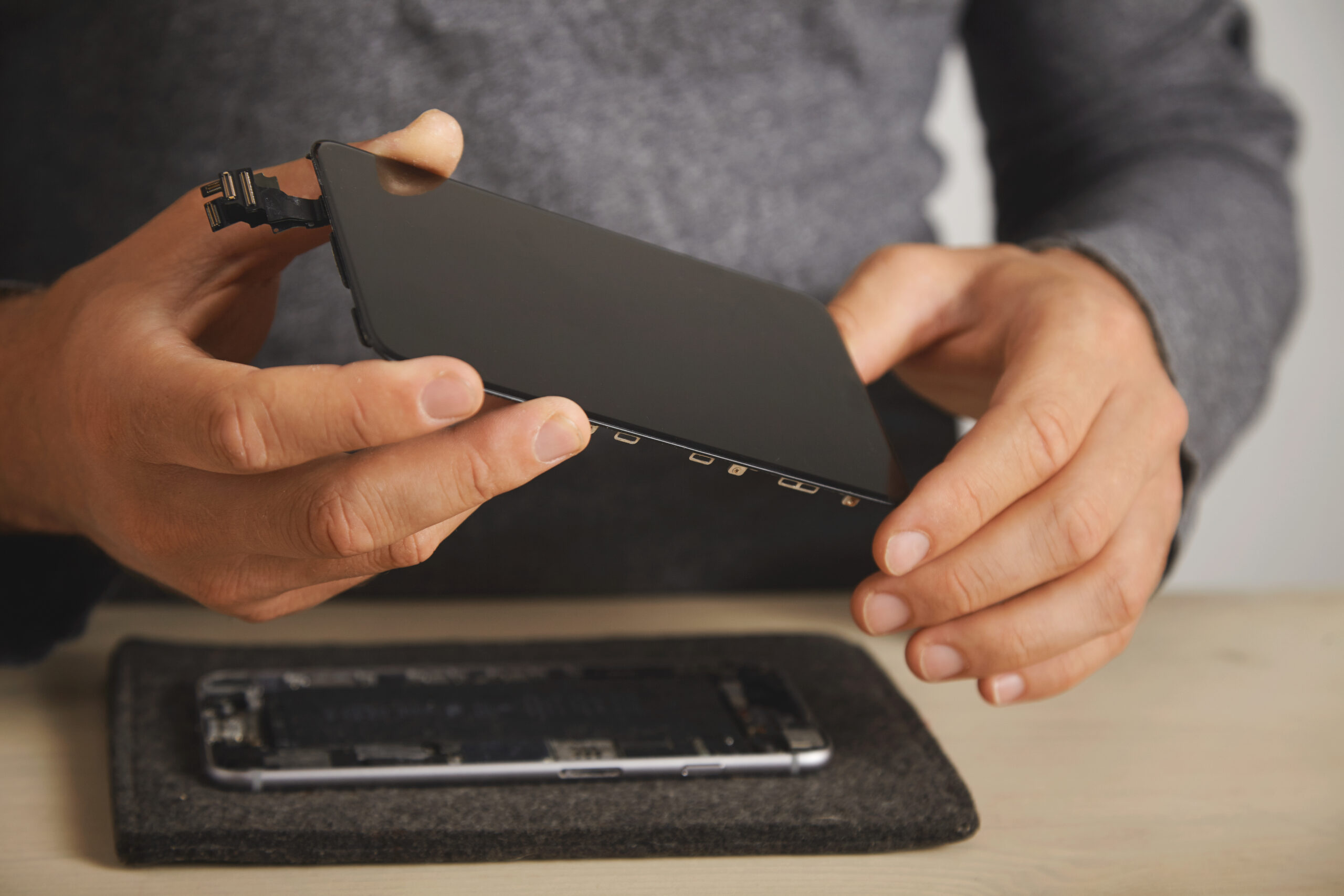
Genuine OEM Parts
We use only 100% genuine OEM parts sourced directly from trusted manufacturers. Whether it’s an iPhone display, battery, speaker, or internal component, every replacement part ensures perfect compatibility, long-lasting performance, and smooth functionality for your specific iPhone model.

Fast & Hassle-Free Service
We value your time. With our quick turnaround and free pickup & delivery across Bangalore, repairing your iPhone is completely stress-free. Our streamlined process ensures you get your device back fast — fully tested, restored, and performing at its best.

Affordable & Transparent Pricing
At iFix, we maintain complete transparency — no hidden charges or unexpected add-ons. Our goal is to make expert Apple repairs accessible, reliable, and budget-friendly for every customer, without compromising on quality or authenticity.
Most Commonly Repaired iPhone Issues
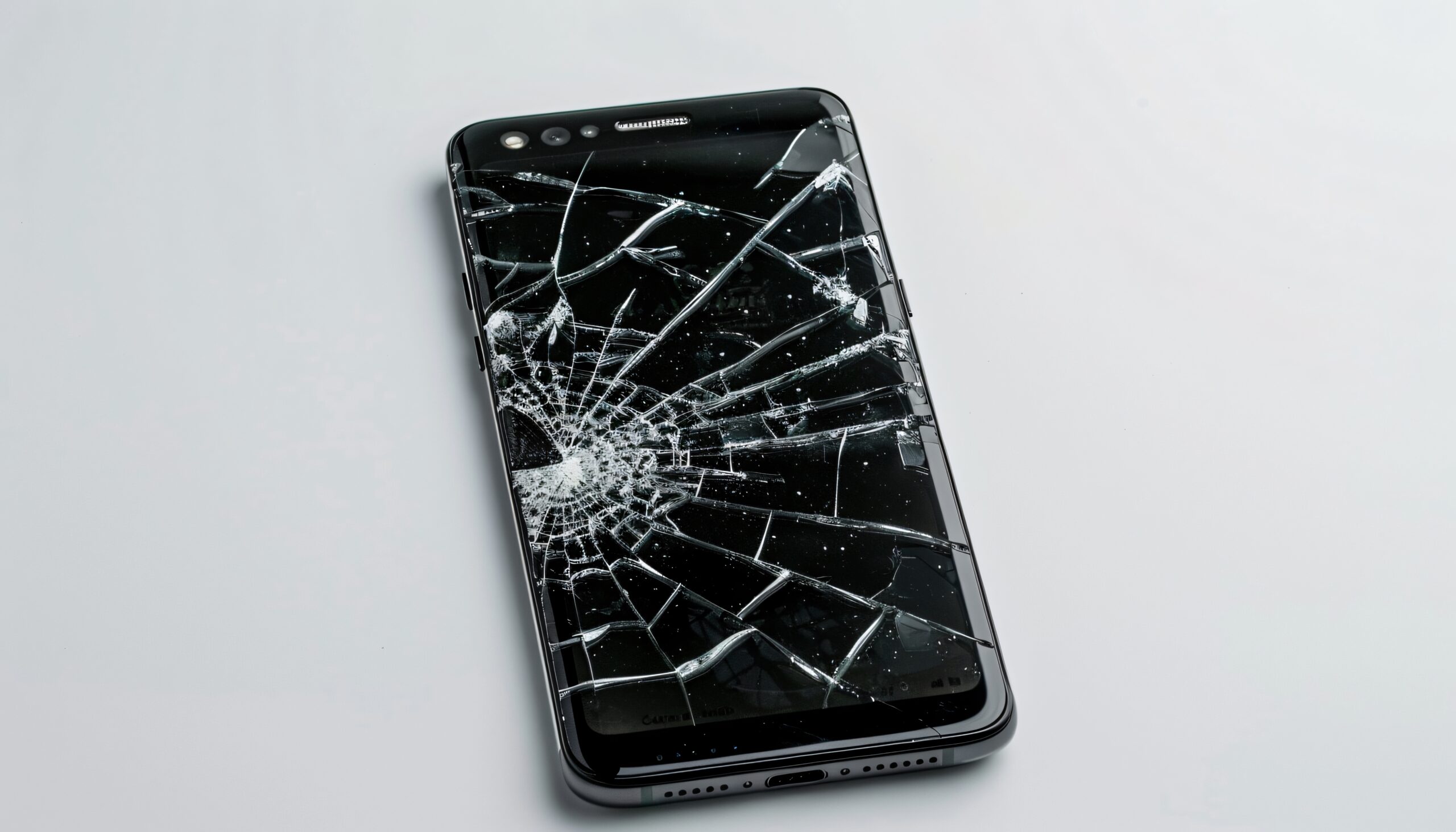
Cracked or Unresponsive Display
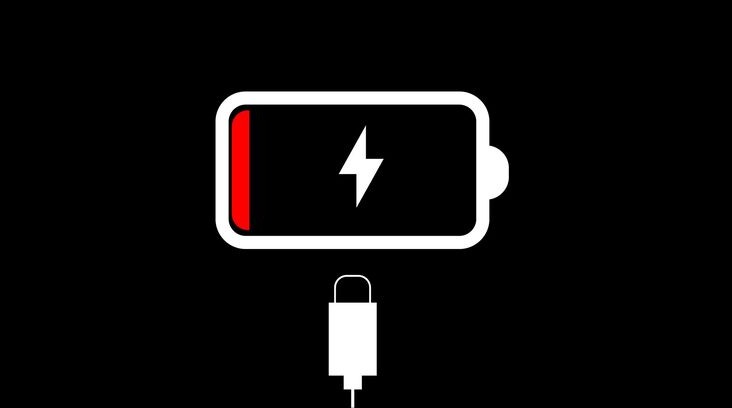
Battery Drain or Swelling
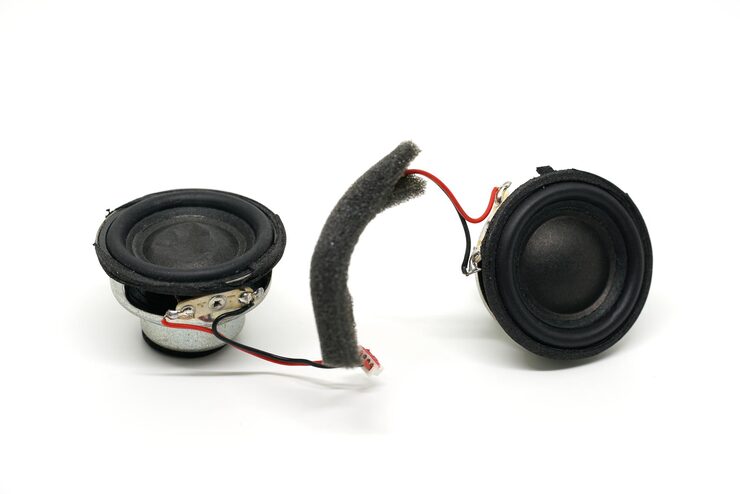
Speaker & Audio Issues
MacBook Service
Slow performance, battery drain, overheating, screen damage, and logic board issues are common MacBook problems. At iBerry, we provide fast and reliable MacBook repair services in Bangalore for all models, including MacBook Air, MacBook Pro (M1, M2, M3), and the latest models.

Display Replacement
Professional iPhone display replacement with premium parts. Whether your screen is cracked, unresponsive, showing dead pixels, or suffering from touch issues, iBerry restores it to like-new condition.
READ MORE →
Logic Board Repair
Expert iPhone Logic Board Repair for long-lasting performance. From boot loops and charging failures to overheating and no-power issues, our skilled technicians specialize in chip-level motherboard repairs.
READ MORE →
Speaker Replacement
Clear and powerful sound with expert iPhone speaker replacement. If you’re experiencing muffled audio, distorted music, or no sound at all, our technicians carefully replace faulty speakers with genuine Apple-quality parts.
READ MORE →
Water Damage repair
Fast and reliable iPhone water damage repair to save your device. Accidental spills or water exposure can cause serious internal damage to your iPhone’s circuits. At iBerry, our experts provide professional cleaning, corrosion treatment, and part replacement to restore functionality.
READ MORE →
Battery Replacement
Restore your iPhone’s power with expert battery replacement. Over time, batteries lose efficiency, causing quick draining, overheating, or sudden shutdowns. At iBerry, we replace worn-out batteries with genuine Apple-certified parts to ensure safe installation, extended battery life, and reliable all-day performance.
READ MORE →
Not Powering On
Get your iPhone back to life with expert diagnostics and repair. If your iPhone won’t turn on due to power failures, charging issues, or internal hardware faults, our skilled technicians at iBerry perform precise diagnostics to find the root cause.
READ MORE →Tips to Maintain Your iPhone
Keep your iPhone running smoothly and avoid frequent repairs with these simple, everyday care tips designed for long-lasting performance.
Keep Your iPhone Updated
Install the latest iOS updates to ensure better performance, security, and app compatibility.Use Genuine Chargers & Accessories
Avoid duplicate or low-quality chargers — they can damage your battery and internal circuits.Keep the Charging Port Clean
Dust inside the charging port can cause slow charging or connection issues. Clean gently with a soft brush.Backup Your Data Frequently
Use iCloud or iTunes backups to protect your important files, photos, and contacts.Use a quality case & screen protector
Use a high-quality tempered glass and a sturdy case to prevent accidental cracks and scratches.Use Optimized Battery Charging
Enable Optimized Battery Charging in iPhone settings to reduce battery aging over time.Tip: In Bengaluru’s warmer months, avoid leaving your iPhone in parked vehicles, direct sunlight, or near windows. High heat can damage the battery and screen. Let your phone cool naturally and avoid heavy usage when it feels too warm.
Frequently Asked Questions (FAQs)
Q1: How can I keep my iPhone battery healthy for longer?
Avoid overcharging, keep your brightness moderate, enable Low Power Mode when needed, and avoid exposing your iPhone to extreme heat.
Q2: Should I use fast chargers for my iPhone?
Yes, Apple-certified fast chargers are safe. However, using cheap third-party chargers can damage the battery or logic board.
Q3: How often should I update my iPhone software?
Always update to the latest iOS version. Updates fix bugs, improve security, and keep your device running smoothly.
Q4: What should I do if my iPhone starts overheating?
Remove the case, stop heavy apps, turn off unused features like Bluetooth, and move it to a cooler place. Avoid charging when the device is hot.
Q5: How do I protect my iPhone screen from damage
Use a good quality tempered glass, avoid keeping your phone in tight pockets with keys/coins, and always choose a reliable case for drop protection.